
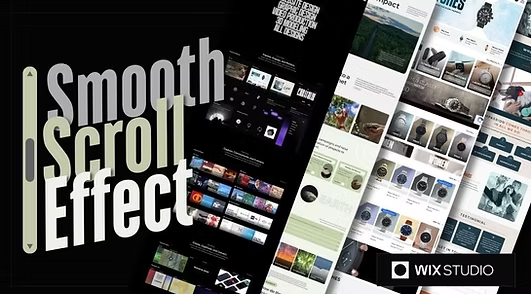
Smooth scrolling
Smooth scrolling is a small detail that can make a big difference in how users experience your website. Instead of sudden jumps when navigating between sections, smooth scroll creates a fluid and natural movement that feels modern and polished. It helps guide visitors’ attention, improves readability, and makes browsing more enjoyable—especially on long pages or one-page layouts.
In this guide, we’ll explore how to add smooth scrolling to your website using simple and effective methods. You’ll learn how to implement smooth scroll with pure CSS for lightweight solutions, as well as JavaScript techniques for more control and customization. We’ll also cover common use cases such as smooth scrolling for anchor links, navigation menus, and “back to top” buttons, ensuring consistent behavior across devices and browsers.
Whether you’re building a website from scratch or enhancing an existing one, smooth scrolling can instantly elevate the overall user experience. For WordPress users, we’ll touch on plugin-based and custom code approaches, helping you choose the best option based on performance and flexibility. We’ll also highlight common issues—like overly fast scrolling or conflicts with animation libraries—and show you how to fix them for a seamless result.
By the end of this tutorial, you’ll have a clear understanding of when and how to use smooth scrolling effectively without sacrificing performance or accessibility. No matter your skill level, this guide will help you implement smooth scroll in a clean, user-friendly way that keeps visitors engaged and makes your website feel effortlessly refined.

Hamza Iqbal test comment
Hamza Iqbal test comment
Hi this is test comment